Affiliate disclosure: This article contains affiliate links. We may earn a commission if you subscribe through them, at no extra cost to you.
Manychat is a messaging-automation platform built around social conversations, especially Instagram comments and direct messages. This fact-based 2026 review uses current publicly available product, pricing, support, and policy information. We have not independently tested the platform, so no campaign results are presented as our own experience.
Offer eligibility and current terms can change. Check the affiliate landing page before signing up.
Quick Verdict
Manychat is most compelling for creators, ecommerce stores, and marketing teams that receive meaningful engagement through Instagram or other supported messaging channels. Comment-to-DM flows, keyword triggers, lead capture, tagging, and a shared Inbox can turn repetitive conversations into structured workflows. The trade-offs are a contact-based billing model, channel and plan restrictions, dependence on third-party platform rules, and the need to supervise AI-generated replies. It is an automation layer, not a guarantee of reach, leads, or sales.
What Is Manychat?
Manychat lets a business create rule-based and AI-assisted conversations across connected messaging channels. A flow can start when someone comments on an Instagram post, replies to a Story, sends a keyword, or takes another supported action. Manychat can then send an approved response, collect information, add tags, route the conversation, or hand it to a person in the Inbox.
The platform is oriented toward conversational marketing and lead handling rather than general website design or a conventional email-only campaign workflow. Its usefulness therefore depends heavily on where an audience already interacts with the business.
Supported Channels and What Manychat Automates
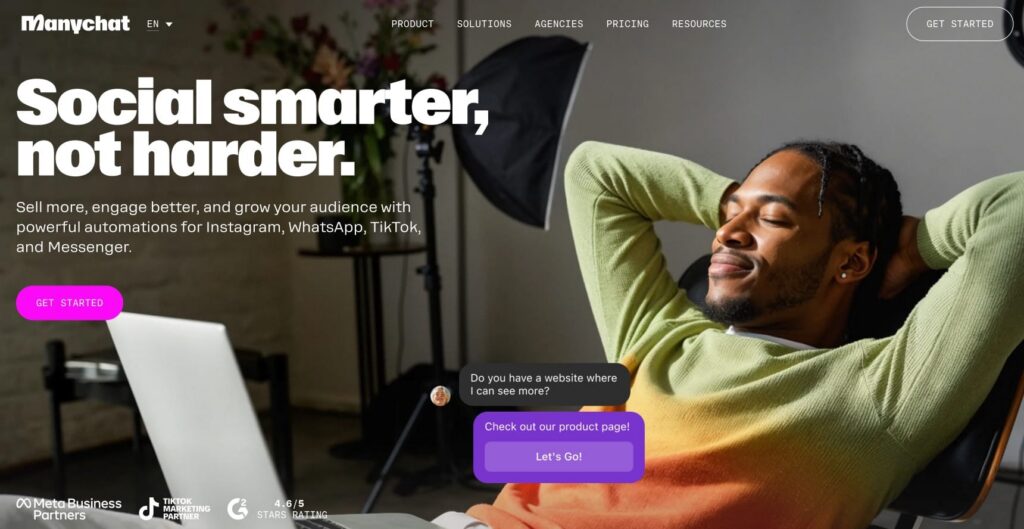
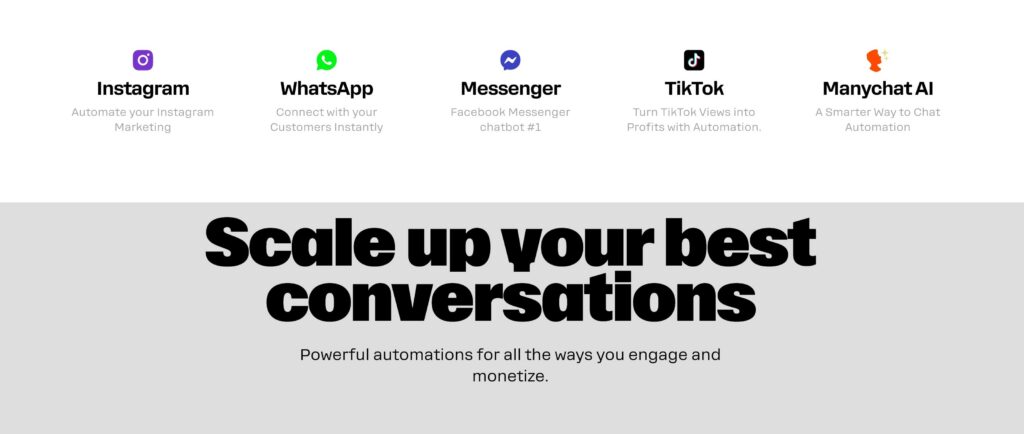
The current pricing documentation lists Instagram, TikTok, Facebook Messenger, Telegram, WhatsApp, SMS, and email, but access is plan-dependent. Free and Essential accounts can connect up to two eligible channels chosen from Instagram, TikTok, Messenger, and Telegram. Pro expands the choice to up to three eligible channels and includes WhatsApp, SMS, and email options. Business and Advanced list unlimited eligible channels.
“Supported” does not mean every trigger works identically everywhere. Meta, TikTok, Telegram, and other providers set their own messaging windows, permissions, eligibility rules, and feature availability. A workflow should be designed and tested for its specific channel rather than copied blindly across networks.
Key Manychat Features
Instagram Comment-to-DM Automation
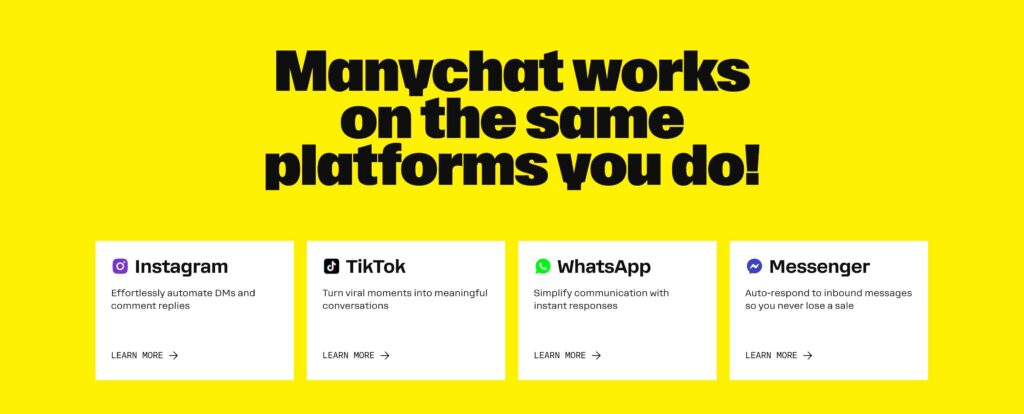
Manychat’s comment automation can watch a specific post or Reel, any post or Reel, or the next published post or Reel. It can react to any comment or selected words, optionally publish a reply, and send an Opening DM. Depending on the configuration, a flow can then provide a link, ask for an email address, check whether the person follows the account, or send a follow-up.
This is useful for campaigns where a creator asks viewers to comment a keyword to receive a guide, product link, event registration page, or other resource. Recipient interaction and Meta’s messaging rules still determine what can be sent next; the automation does not create unlimited permission to message someone.
Keywords and Story Replies
Keyword triggers can start a flow after a person sends a chosen word or phrase. Story-reply automations can respond when someone reacts to or replies to an Instagram Story. These entry points can answer a common question, deliver a requested resource, or direct the person into a longer flow. Trigger availability and follow-up options depend on the connected channel and plan.
Lead Capture and Tagging
Essential and higher plans can collect information such as email addresses or phone numbers and organize contacts with tags. Tags can represent interests, lead sources, customer stages, or requested resources, making later routing and follow-up more relevant. The operator remains responsible for obtaining appropriate consent, providing required privacy information, and limiting data collection to a legitimate purpose.
Inbox and Team Features
Manychat’s Inbox brings supported conversations into one interface. Free includes one user and one Inbox seat. Essential includes two users but still one Inbox seat. Pro includes three users and two Inbox seats, while Business includes five users and three Inbox seats. Higher plans add capabilities such as custom labels, sorting rules, assignments, and more team-oriented routing. Users and Inbox seats are separate limits, and extra seats may cost more.
AI-Powered Conversations
Manychat AI can use a Knowledge Base and Behavior settings to shape what the assistant knows, its role, its tone, and its guardrails. According to Manychat’s May 2026 documentation, AI Behavior currently works only on Instagram and requires an active paid plan with Manychat AI access. The AI section is limited to account Admins and Editors.
Manychat also warns that AI is not fully deterministic: guardrails can reduce unwanted answers but may not prevent every off-topic response. Businesses should test scenarios, restrict sensitive topics, monitor conversations, and provide an obvious path to a human. AI should not be trusted to make unsupported promises or deliver unsupervised legal, medical, or financial guidance.
Follow-to-DM Is Still Beta
Follow-to-DM can send an initial Instagram message after someone follows an account, but it is a beta feature. Manychat says Meta—not the subscription tier—decides account eligibility, and the feature is not available to everyone. It requires the newer Unified Instagram onboarding flow. Meta also limits the experience to one Follow-to-DM message per user per week across accounts using the feature, and the trigger runs only once for a follower.
How Manychat Works
- Connect an eligible channel. Choose Instagram or another channel available on the selected plan and complete its authorization process.
- Choose a trigger. Examples include a comment, keyword, Story reply, or eligible follower event.
- Build the response path. Add messages, buttons, conditions, data capture, tags, delays, and human handoff where appropriate.
- Preview and test. Check every branch, mobile presentation, link, opt-in step, and restricted topic before activation.
- Publish and monitor. Review delivery, responses, clicks, contact usage, failures, complaints, and conversations that need a person.

Manychat Pricing and Plans in 2026
Pricing was checked on July 29, 2026. Manychat introduced a new pricing model on March 2, 2026, initially for accounts created on or after that date. Plan access can vary by region, older accounts may remain on legacy pricing, taxes are not included in displayed prices, and the final charge can depend on billing country. Always verify the checkout page for your account.
| Plan | Current listed price | Included Active Contacts | Selected limits and features |
|---|---|---|---|
| Free | $0 | 25/month | Two eligible channels, one user, one Inbox seat, up to four live automations, Manychat branding |
| Essential | $17 monthly; $14/month effective when billed annually | 250/month | Two eligible channels, two users, one Inbox seat, unlimited automations, tags and lead capture; 14-day trial |
| Pro | $39 monthly; $29/month effective when billed annually | 2,500/month | Three eligible channels, three users, two Inbox seats, AI, broadcasts, API and broader integrations; 14-day trial |
| Business | $99 monthly; $69/month effective when billed annually | 7,500/month | Unlimited eligible channels, five users, three Inbox seats, team routing; no free trial listed |
Advanced is aimed at higher-volume teams. It is currently listed at $199 monthly or an effective $139 per month with annual billing, with 25,000 included Active Contacts, ten users, five Inbox seats, and unlimited eligible channels. It has no listed free trial.
What Are Active Contacts?
An Active Contact is a person who interacts through Manychat during the current billing month—for example, through an automation, AI conversation, broadcast, or Inbox exchange. A follower who does not interact is not automatically active. Multiple interactions by the same person in one billing month normally count once, although the same individual on different channels may sometimes count separately depending on identity matching.
When included usage is exceeded, overage charges can apply. Current monthly rates are listed as $0.10 per additional Active Contact on Essential, $0.05 on Pro, and $0.025 on Business, with lower listed rates for annual billing. Manychat says an overage threshold can be configured, but settings and charges should be checked inside the account. Do not assume that an annual subscription eliminates monthly Active Contact calculations or overages.
The first-month offer may have eligibility requirements or change. Confirm current terms on the landing page.
Who Manychat Is Best For
- Creators who receive recurring keyword comments, Story replies, or DMs and want a consistent response workflow.
- Ecommerce stores that use social content to answer product questions, distribute links, capture leads, or route purchase conversations.
- Small businesses with repeatable FAQs and a clear process for handing complex messages to a person.
- Marketers who need tagging, lead-source tracking, controlled follow-up, and several tested automation paths.
- Agencies and teams that can justify higher tiers for Inbox assignments, multiple users, channels, and integrations.
Who Should Probably Choose Another Tool?
- Businesses whose audience rarely uses supported social or messaging channels.
- Teams primarily seeking website live chat, ticket management, or a traditional customer-support help desk.
- Anyone expecting unrestricted mass messaging or guaranteed access to beta features.
- Organizations unable to monitor Active Contacts, potential overages, consent, and connected-platform policies.
- Teams that cannot review AI replies or provide human escalation for sensitive and unusual questions.
Manychat Pros and Cons
Pros
- Strong focus on Instagram comment and DM workflows
- Visual flows, Quick Automations, tags, and lead capture
- Free entry point for limited experimentation
- Inbox and team options scale across paid tiers
- AI Behavior includes editable tone and guardrail controls
Cons
- New plans are not yet universal across regions and older accounts
- Active Contact overages can make cost less predictable
- Channels, users, Inbox seats, and AI access vary by plan
- Follow-to-DM remains an eligibility-limited beta
- AI guardrails cannot guarantee every response stays in bounds
Manychat vs. Tidio
Manychat and Tidio overlap around automated conversations, but their centers of gravity differ. Manychat is designed around social DMs, comments, triggers, and conversational marketing across messaging channels. Tidio is generally approached from the website side, with live chat and customer-support workflows. Our guide to Tidio AI explains that alternative in more detail.
A creator running Instagram keyword campaigns may find Manychat’s trigger model more directly relevant. A support team focused on visitors already browsing its website may prefer a website-first tool. Some businesses may use both categories of software, but only after checking integration, consent, data governance, staffing, and total cost. Neither is universally superior.
Responsible Automation and Compliance
Automation should respond to a genuine user action or valid permission, make its purpose clear, and stop when consent or a platform messaging window ends. Avoid scraping, purchased lists, unsolicited bulk messages, deceptive claims, hidden destinations, or unnecessary personal-data collection. Give people a straightforward way to reach a human and honor opt-outs.
Manychat’s Acceptable Use Policy prohibits spam, unauthorized data collection, deceptive activity, and violations of connected-platform policies. Businesses must also assess the privacy, consumer-protection, and marketing rules that apply to their audience and location. This review is general product information, not legal advice.
Frequently Asked Questions
Is Manychat free?
Manychat currently offers a $0 Free plan with 25 Active Contacts per month, two eligible connected channels, one user, one Inbox seat, and up to four live automations. It excludes WhatsApp, SMS, and email and displays Manychat branding in the first message to a contact.
How much is Manychat Pro?
Pro is currently listed at $39 on monthly billing or an effective $29 per month when billed annually. It includes 2,500 Active Contacts, after which overage pricing may apply. Pricing, tax, region, and account eligibility can change.
Does Manychat offer a free trial?
The standard documentation lists a 14-day trial for Essential and Pro, but no trial for Business or Advanced. The affiliate link in this article promotes a first month free for Manychat Pro; check its landing page for current eligibility and terms.
What counts as an Active Contact?
A person counts when they interact through Manychat during the billing month, including messages handled through automation, AI, broadcasts, or the Inbox. Passive followers do not automatically count. Active Contact totals reset each billing cycle.
Can Manychat automatically DM Instagram commenters?
Yes, an eligible Instagram automation can trigger from comments on selected posts or Reels and send an Opening DM or configured response. What can follow depends on the recipient’s interaction and Meta’s current messaging rules.
Is Follow-to-DM available to everyone?
No. It is currently a beta feature, and Manychat says Meta determines eligibility. It also requires the Unified Instagram onboarding flow and is subject to Meta’s frequency limits.
Can Manychat AI replace a human support agent?
It can handle defined questions and guided conversations, but it should not be treated as a complete replacement. Manychat notes that AI is not deterministic and can occasionally respond outside configured guardrails. Testing, monitoring, and human escalation remain important.
Does Manychat guarantee more leads or sales?
No. The platform can automate defined interactions, but outcomes depend on the audience, offer, content, permissions, campaign design, follow-up, and many other factors. Measure results using your own data.
Final Verdict
Manychat is a focused option for businesses that already generate conversations through Instagram and other supported messaging channels. Its comment-to-DM tools, lead organization, Inbox, and higher-tier AI features can support a repeatable process, provided the team understands platform rules and actively supervises the experience.
Before upgrading, map the channels and automations you actually need, estimate monthly Active Contacts, distinguish users from Inbox seats, and check whether the new pricing model is available to your account. Start with a narrow, permission-based workflow, test every branch, and keep a human available for exceptions.
Verify offer eligibility, current plan availability, and terms on the landing page before subscribing.